Synology DSM 7.4.1-90080

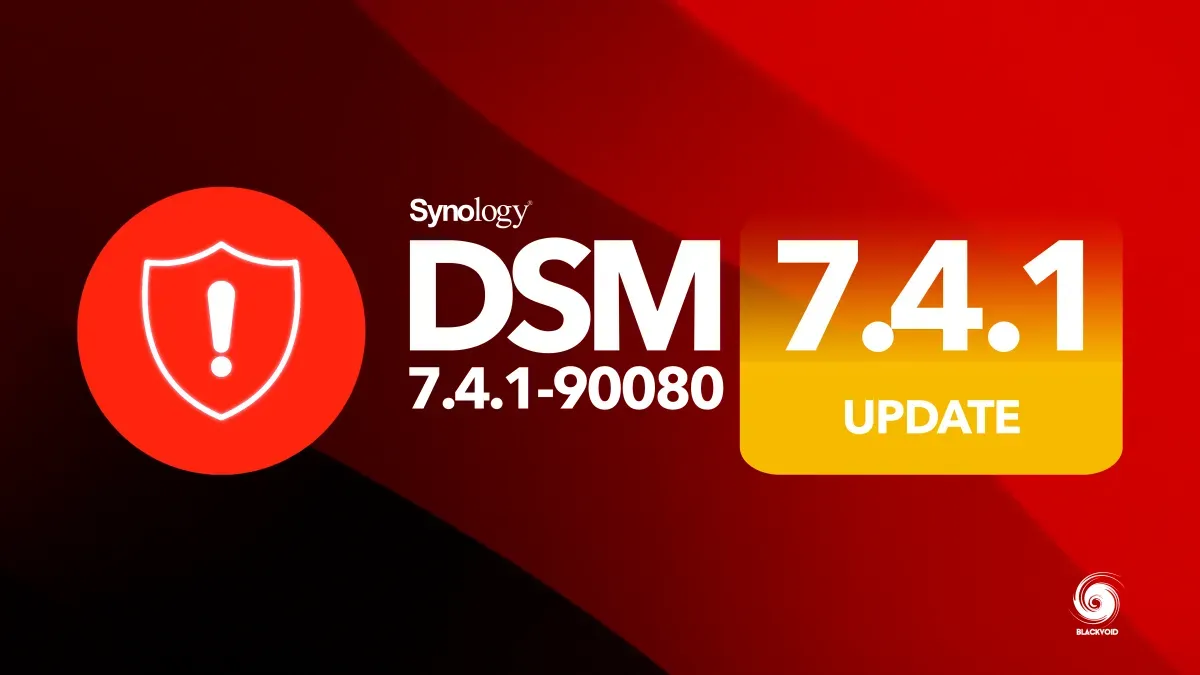
DSM 7.4 uspostavio je čvrstu osnovu za stabilnost i sigurnost. U srpnju, Synology je objavio verziju 7.4.1-90080, koja je riješila prijavljene probleme i sigurnosne nedostatke iz početnog izdanja.
Tijekom sljedećih šest mjeseci, Synology je izbacio Update 1, kritičnu sigurnosnu ispravku koja je sanirala više ranjivosti, uključujući nedavne PHP i SSH exploite.
Od 19. studenoga 2026. godine otkrivena je nova ranjivost u NGINX-u koja utječe na sve Synologyeve sustave, uključujući BeeStation i ActiveProtect uređaje, kao i proizvode temeljene na DSM-u.

Ukupno pet ranjivosti identificirano je u odnosu na integer overflow exploitu u NGINX-u i HTTP/2.
 Synology Inc.
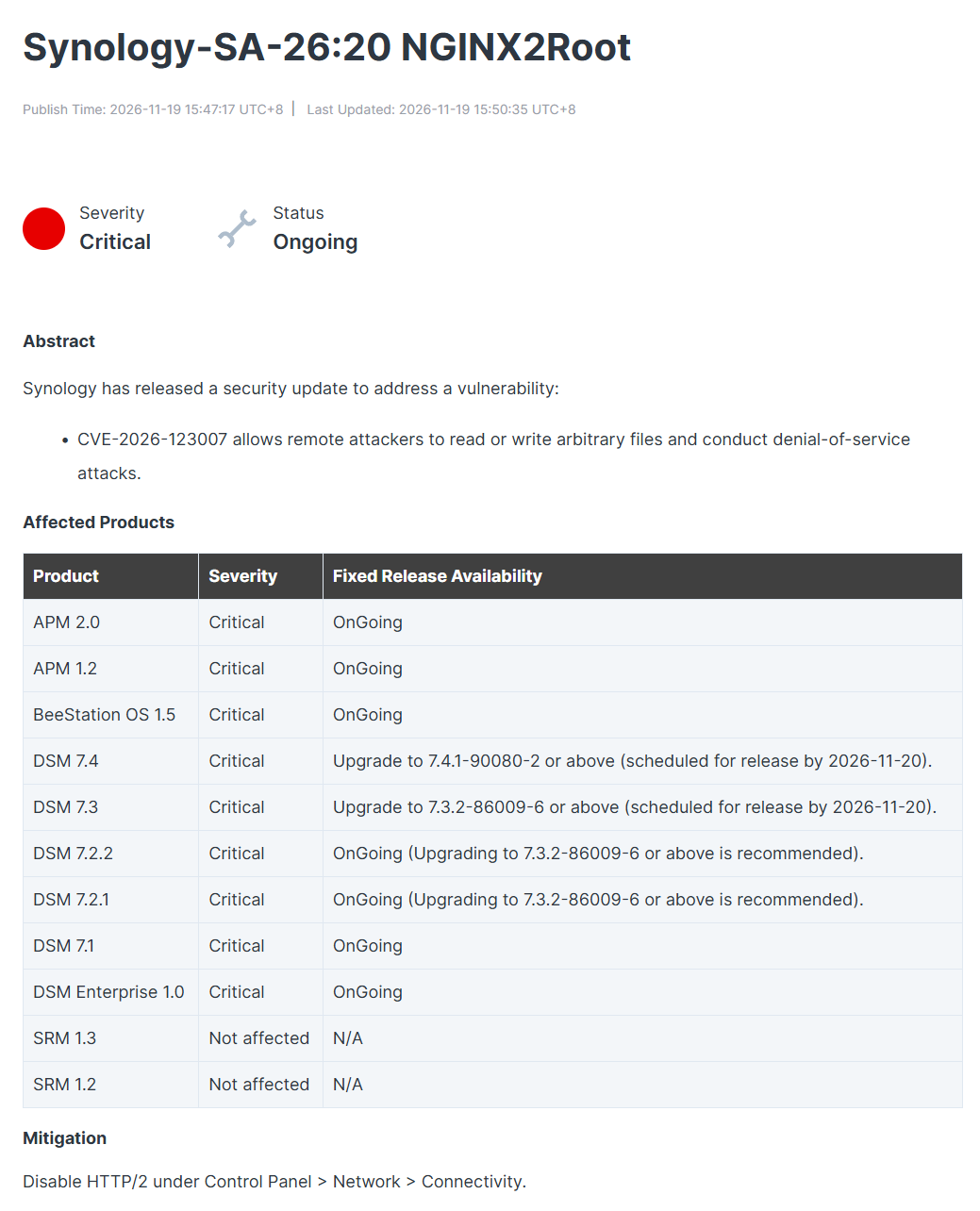
Zbog navedenog, novi Update 2 security update očekuje se 20. studenoga za sve sustave.
Version: 7.4.1-90080 Update 1 Important Update
(2026-10-12)
Important notes
- Your Synology NAS may not notify you of this DSM update because of the following reasons. If you want to update your DSM to this version now, please click here to update it manually.
- The update is not available in your region yet. The update is expected to be available for all regions within the next few days, although the time of release in each region may vary slightly.
- Your DSM is working fine without having to update. The system evaluates service statuses and system settings to determine whether it needs to update to this version.
- This update will restart the device.
Fixed Issues
- Fixed security vulnerabilities.
Version: 7.4.1-90080 Important Update
(2026-07-23)
Important Note
- After installing this update, you will not be able to downgrade to a previous DSM version.
- This update will restart your Synology NAS.
- If auto update does not run, perform a manual update in Control Panel. Before updating, follow the instructions and complete the required actions to ensure success.
- To uphold our commitment to quality, every DSM release undergoes rigorous validation. To ensure optimal stability, the models listed below will not receive this update on your device and will remain on their most suitable version. You can only download the upgrade patch from Synology Download Center because you won't receive notifications for this update on your DSM.
- FS Series: FS3017, FS2017, FS1018
- XS Series: RS18016xs+, RS4017xs+, RS3617xs+, RS3617xs, RS3617RPxs, RS18017xs+, DS3617xs, DS3617xsII, DS3018xs
- Plus Series: RS2416RP+, RS2416+, DS916+, DS716+II, DS716+, DS216+II, DS216+, DS1817+, DS1517+, RS2818RP+, RS2418RP+, RS2418+, RS818RP+, RS818+, DS1618+, DS918+, DS718+, DS218+, RS1219+
- Value Series: DS116, DS216, DS216play, DS416, DS416play, DS1517, DS1817, DS418play, RS217, RS816
- J Series: DS216j, DS416j, DS416slim, DS419slim, DS418j, DS218j, DS119j
- Enhanced KMIP certificate handling to comply with updated certificate issuance policies for public certificate authorities (CAs). KMIP client authentication now requires certificates issued by a private CA. Synology default certificates, the QuickConnect certificate, and certificates issued by public CAs (e.g., Let's Encrypt, SSL.com, and Sectigo) are not supported for KMIP client authentication. For detailed configuration instructions, refer to this article. To generate self-signed certificate files for KMIP client authentication, refer to this article.
Compatibility & Installation
- To ensure compatibility, the following packages will be automatically updated or will require a manual update to a compatible version: SnapshotReplication
Fixed Issues
- Fixed an issue where a USB UPS could not be recognized after updating to DSM 7.4.
- Fixed an issue where USB devices could not be used on certain models after updating to DSM 7.4.
- Improved cache handling to enhance system stability.